
This guide explains the Product Ordering Report (SKU) in InkSoft and how it helps you analyze product sales using your store's SKU information. It covers the data included in the report, how to review ordering trends, and how the report can support purchasing, inventory management, and production planning by providing detailed insights into product demand.
Store Menu Select:
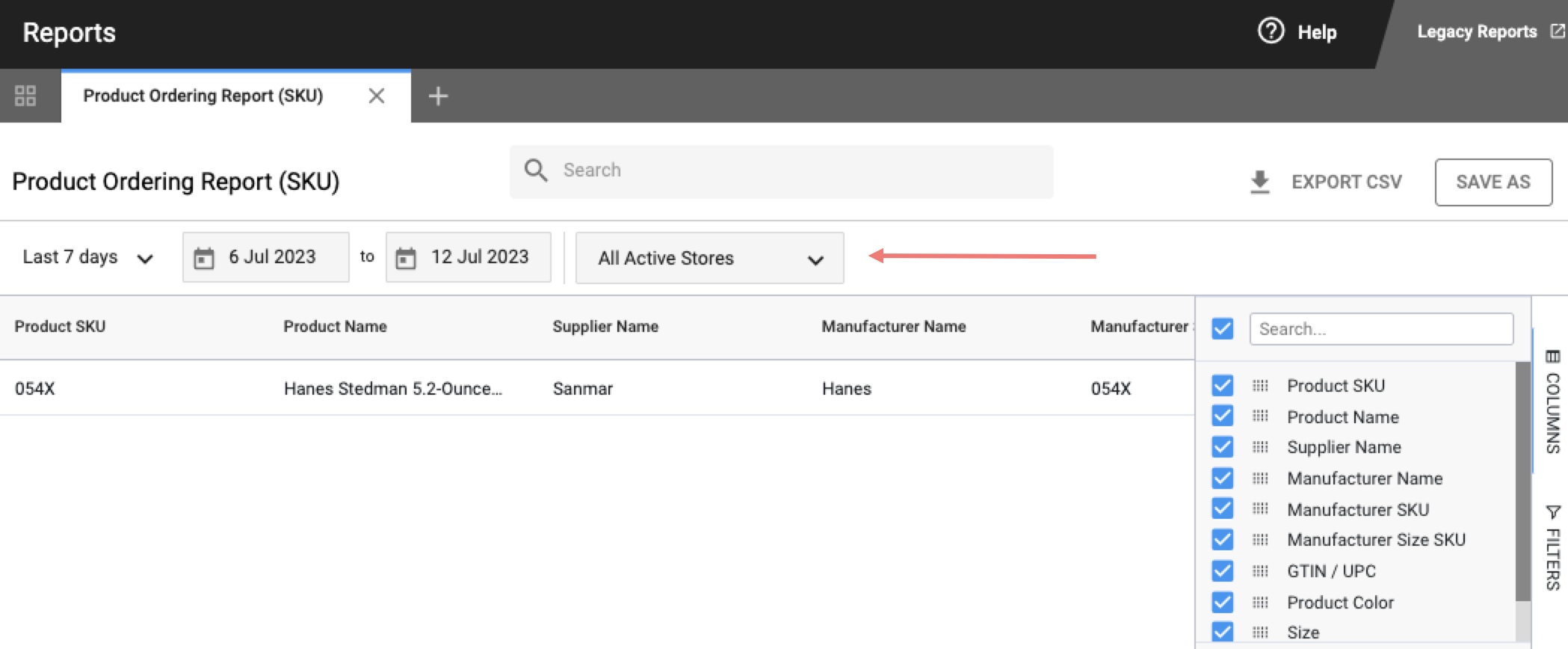
Click the All Active Stores dropdown and you will be presented with 3 options:
Active Stores
Deleted Stores
Inactive Stores
Click the arrow next to any of these groupings to expand your options if you need to run the report for specific Store(s). Anything that is checked will be included in the report.
Remember, if you use the Custom Date Range, you want to click Apply to ensure it brings up all the applicable information:
Report Output:
1 Row per SKU per Style per Size
Report Columns
The following data points are included in the report and are represented as their own column in the table view. All columns listed below are shown in the report by default.
Note: Hide/Show columns using the Columns Panel
Use the columns panel in the Report Detail View to hide/show the different data points you want to be visible in the report. Learn more about managing columns
Group: means the column supports Row Groups and can be nested
Aggregate: means the column supports Row Group Value Aggregation
| COLUMN LABEL | DESCRIPTION | GROUP / AGGREGATE |
| Product Name | Name of the Product | Group |
| Supplier Name | Name of the Supplier associated with the product. | Group |
| Manufacturer Name | Name of the Manufacturer associated with the product. | Group |
| Product SKU | Unique identifier you have associated with the product. | |
| Manufacturer SKU | Unique identifier established by the manufacturer that you have associated with the product. | Group |
| Manufacturer Size SKU | Unique identifier established by the manufacturer that you have associated with the product size. | Group |
| Product Color | Name of the product color. | Group |
| Size | Name of the product size. | Group |
| Quantity | Quantity of units ordered. | Aggregate |
Comments
0 comments
Article is closed for comments.